The Best Streaming Devices to Modernise an Older TV
A streaming stick costs far less than a new television. We compare app support, remote quality, speed and home screen clutter on the main platforms.
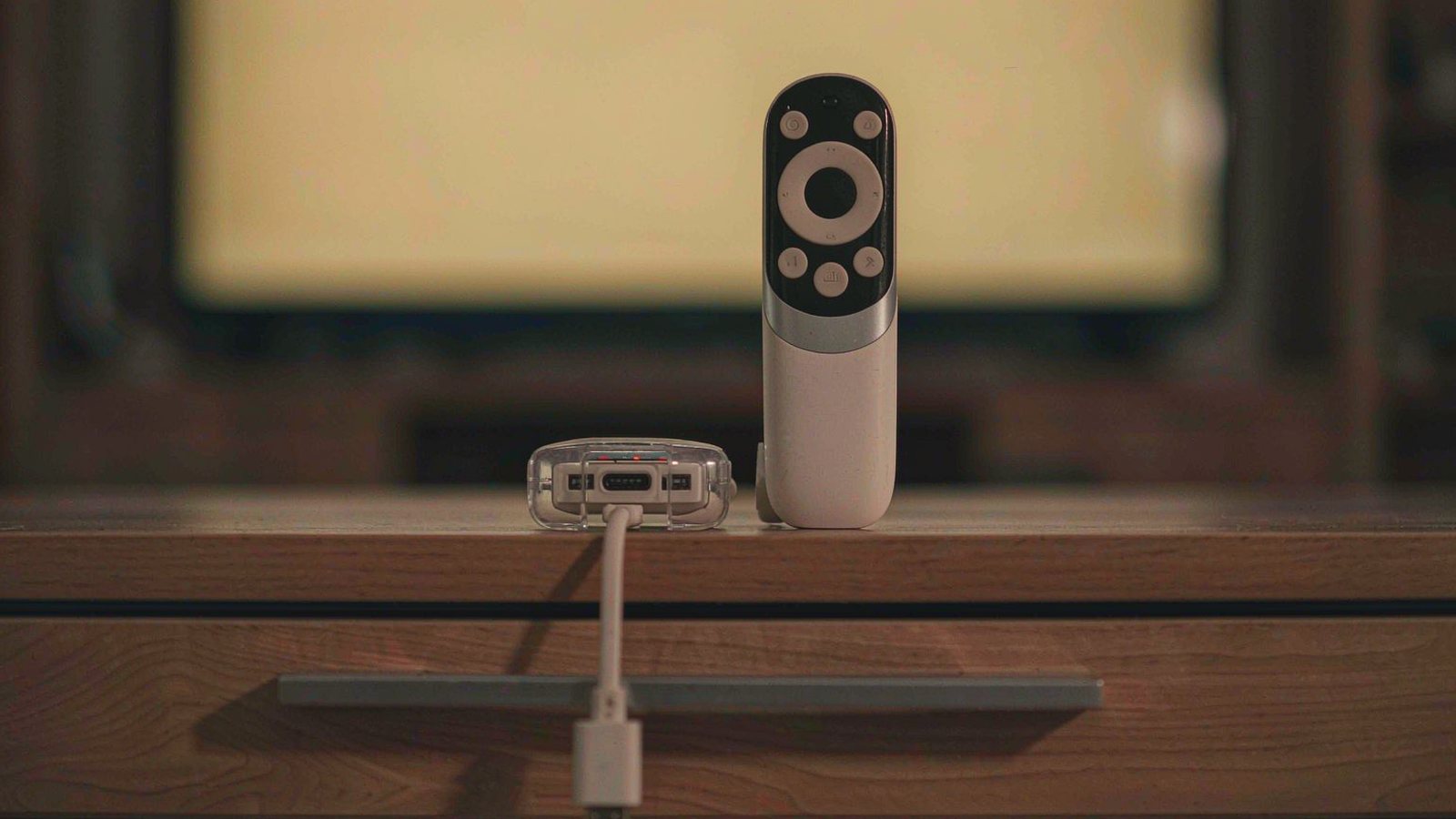
Top picks at a glance
Tap any pick to jump to the full breakdown, or use the link to check the current price.
| Pick | Best for | Check price |
|---|---|---|
| Roku Streaming Stick 4K Best overall | Most households, especially anyone who subscribes to several different services | Check price |
| Amazon Fire TV Stick 4K Max Best for Alexa households | Prime subscribers and homes already using Alexa speakers and displays | Check price |
| Apple TV 4K Best performance and privacy | Apple households and anyone willing to pay for a clean, fast interface | Check price |
| Chromecast with Google TV (4K) Best recommendation engine | People who subscribe to several services and cannot remember which one has what | Check price |
| Nvidia Shield TV Pro Best for local media and enthusiasts | Homes with local media servers, high bitrate files or demanding audio setups | Check price |
| onn. Google TV 4K Streaming Box Best cheap option | A second television, a spare room, or a first streaming device on a tight budget | Check price |
The apps on a smart television age faster than the television does. After three or four years, the interface stutters, one service stops updating, and the remote becomes an exercise in patience. The panel, meanwhile, is perfectly fine.
A streaming device costs a fraction of a new set and usually lasts longer than the software it replaces. The question is which one, and the answer depends less on specifications than on which services you use and how much you care about what the home screen shows you.
When a streaming device beats a new television
Replace the television when the panel itself has failed: dead pixels, uneven backlighting, or a screen that no longer shows deep blacks. Add a streaming device when the picture is good and only the software is the problem.
The distinction matters because people regularly spend several hundred on a new set to fix an interface issue that a device costing less than a takeaway meal would have solved. If you are unsure, try the cheap fix first.
The five things that decide which one you buy
1. Which apps you actually use
Every major platform carries the large streaming services. The differences appear in the smaller ones: regional services, niche sports packages, and some public broadcasters. Before buying, check that your specific services are available on the platform, because a device that lacks the one app you watch daily is useless regardless of how fast it is.
2. The remote you will hold every day
You will touch the remote far more than you will look at the specification. Physical buttons you can find by feel matter more than a touch surface. Some remotes control the television’s power and volume directly, which removes a second remote from the coffee table, and that is a genuine daily improvement. Others offer private listening through a phone app, which is useful in a shared home.
3. Speed, and how long it stays fast
A device that launches apps quickly is pleasant; one that stutters is irritating every single evening. Cheaper devices often have less memory, and memory is what determines how gracefully a device ages as apps grow. If you keep televisions for many years, paying more for a faster device is usually the better value.
4. Resolution, HDR and your television’s limits
A 4K streaming device connected to a 1080p television still works and still streams, just at the resolution the panel can show. HDR support only matters if the television supports the same format. Buying a device for features your screen cannot display is money spent on nothing.
5. Advertising, and how much it bothers you
Some platforms fill the home screen with sponsored rows and promoted content. Others show only what you install. This is a real difference in daily experience and it is rarely mentioned in specification comparisons. If you share the television with children, or simply dislike a screen selling to you, it is worth paying to avoid.
What we would not pay extra for
- 8K support. There is almost no content, and no realistic television for it in most homes.
- A gaming controller bundle. Unless you specifically play on the device, it will sit in a drawer.
- Very high storage tiers. A small amount of cache is enough for streaming.
- A device with every audio format supported if your sound system cannot use them.
- An extended warranty. These are low-cost items with short replacement cycles.
Setting it up so it stays usable
- Connect over Ethernet if the television is near the router. It removes the most common cause of buffering.
- Install only the apps you use. A crowded home screen ages badly and slows the device.
- Turn off autoplay previews. They consume bandwidth and attention on every platform.
- Programme the remote to control the television’s power and volume. One remote is worth the five minutes.
- Enable a PIN on purchases if children use the television, particularly on platforms with one-tap buying.
- Restart the device monthly. It clears the memory problems that cause most slow behaviour.
When you should replace the television instead
If the panel is failing, if you want a larger screen, or if you have moved up to a space where the current size is wrong, buy the television. If the set is fine but slow, buy the device. And if you only ever watch one service on a phone, none of this is necessary.
One further consideration: if your television is more than about eight years old and only supports lower resolutions, a premium streaming device is a waste. Buy the cheapest capable option and accept that the screen is the limiting factor.
How this guide was researched
We did not benchmark app launch times or measure stream quality. This comparison is based on published platform specifications, manufacturer documentation, app availability lists and consistent themes in long-term owner reports, particularly the slowness, update support and advertising complaints that appear after a year or two of use. Where we describe speed or interface behaviour, we are summarising patterns in owner experience rather than results from testing we performed ourselves. App availability and platform interfaces change frequently, so confirm the services you use are supported and check the current price before buying.
Our picks in detail
Roku
01 Roku Streaming Stick 4K
A neutral platform that does not push one service over another, with a straightforward remote and a long support record. It is not the fastest device here, and it is the least annoying to live with.
Best for: Most households, especially anyone who subscribes to several different services
- 4K streaming with support for the major HDR formats
- Private listening through the companion app on a phone
- Universal search across services
- Free ad-supported channels built in
Pros
- Platform-neutral home screen that does not favour one service
- Simple interface that older household members can navigate
- Search shows results across services without opening each app
Cons
- Interface is slower than the premium devices
- Free channels take up more of the home screen than they should
We may earn a commission from this link. Learn more.
Amazon
02 Amazon Fire TV Stick 4K Max
Fast hardware and deep integration with Amazon services and Alexa devices. It is also the most commercial home screen of the group, and how much that bothers you should decide the purchase.
Best for: Prime subscribers and homes already using Alexa speakers and displays
- 4K streaming with high dynamic range support
- Voice remote with Alexa built in
- Wi-Fi 6 support for crowded networks
- Compatibility with smart home devices through Alexa
Pros
- Very responsive interface with fast app launching
- Voice search works well and reaches into apps
- Good integration with the rest of the Amazon ecosystem
Cons
- Home screen promotes Amazon content heavily
- Most useful features assume Prime membership
We may earn a commission from this link. Learn more.
Apple
03 Apple TV 4K
The fastest and most polished device here, with no advertising on the home screen and strong privacy controls. It costs several times what a basic stick does, which is the whole trade.
Best for: Apple households and anyone willing to pay for a clean, fast interface
- High performance processor with a responsive interface
- Home screen free of advertising placements
- Integration with Apple devices, accounts and purchases
- Ethernet port on the higher storage tier
Pros
- Noticeably faster than every other device listed
- Home screen shows only what you choose to install
- Remote has a rechargeable battery and a touch surface for scrubbing
Cons
- The most expensive option by a wide margin
- Some services are less well supported than on Roku or Amazon
We may earn a commission from this link. Learn more.
04 Chromecast with Google TV (4K)
A device that aggregates content from your services into a single watchlist, which is genuinely useful if you lose track of what is on where. The recommendation row is helpful and, at times, noisy.
Best for: People who subscribe to several services and cannot remember which one has what
- Content aggregation with a unified watchlist
- 4K streaming with high dynamic range support
- Voice remote with Google Assistant
- Casting from phones and tablets
Pros
- Watchlist pulls together shows from multiple services
- Recommendations improve with use
- Google Assistant voice search is capable
Cons
- Recommendation rows can bury the apps you actually open
- Aggregation depends on each service cooperating fully
We may earn a commission from this link. Learn more.
Nvidia
05 Nvidia Shield TV Pro
A powerful streaming box aimed at people with their own media libraries and a NAS. It handles formats other devices refuse and stays fast for years, at the highest price here.
Best for: Homes with local media servers, high bitrate files or demanding audio setups
- High performance processor with substantial memory
- Support for a wide range of video and audio formats
- USB ports for external storage and accessories
- Gigabit Ethernet for high bitrate streaming
Pros
- Plays file formats other streamers will not touch
- Gigabit Ethernet removes Wi-Fi bottlenecks
- Remains fast long after cheaper devices slow down
Cons
- Expensive for someone who only uses streaming apps
- Larger than a stick and needs its own shelf space
We may earn a commission from this link. Learn more.
onn.
06 onn. Google TV 4K Streaming Box
The cheapest way to get a modern streaming interface, and it is genuinely capable for the price. Expect slower navigation and a shorter useful life than the established brands.
Best for: A second television, a spare room, or a first streaming device on a tight budget
- 4K streaming with high dynamic range support
- Google TV interface with voice remote
- Compact box with an HDMI output
- Very low purchase price
Pros
- Costs a fraction of the alternatives
- Full Google TV interface rather than a stripped-down one
- Simple to set up and move between televisions
Cons
- Slower than the mainstream devices and may age faster
- Support and software update record is shorter than the major brands
We may earn a commission from this link. Learn more.
The bottom line
Our verdict
For most households the Roku is the safest pick because it treats all your services equally and the remote is easy for everyone to use. If you are already inside the Amazon or Apple ecosystem, the corresponding device will fit your home better, with the Apple option offering the fastest and least cluttered experience at a much higher price. The Google device is the best choice if you want a unified watchlist, and the Nvidia is the only sensible answer if you have a local media library. The Walmart box is the right buy for a spare television, and it is worth the small saving only if you accept that it will feel slow in a couple of years.
Frequently asked questions
Will a streaming stick make my old television look better?
It will not change the panel, so brightness, contrast and viewing angles stay the same. It does add modern streaming apps, faster navigation and newer HDR formats if the television supports them. If the picture itself is the problem, no device will fix it.
How much internet speed do I need for 4K streaming?
Streaming services typically recommend a connection in the range of tens of megabits per second for 4K, though the exact figure varies and content is often compressed well below it. The more common problem is Wi-Fi coverage rather than raw speed, which is why devices with Wi-Fi 6 or an Ethernet port are worth considering in larger homes.
Is the home screen advertising a real problem?
It depends on how you use the device. If you open the same two apps every evening, the promotional rows are easy to ignore. If you share the television with children or prefer not to see sponsored placements, a device with a clean home screen is worth paying more for.
Do I need a new device if my smart TV already has apps?
Often yes, eventually. Televisions stop receiving app updates after a few years and the built-in apps become slow or stop working entirely. A streaming device costs far less than a replacement television and typically gets updates for longer, which is why it is the usual answer to a sluggish smart TV.
Sources & further reading
- Roku streaming players — official product and support pages
- Apple TV 4K — official product page
- Nvidia Shield TV — official product page
Facts and availability last checked September 15, 2026.
Keep going
Related guides
 Tech
Tech The Best Noise-Cancelling Headphones for Commuters and Open Offices
We compared over-ear noise-cancelling headphones on published specs, comfort for long wear, call quality and warranty cover — plus which models to skip and why.
 Tech
Tech The Best Robot Vacuums for Homes With Pets and Constant Hair
Pet hair is the hardest test for a robot vacuum. We compare brush designs, self-emptying bases and navigation to find the ones that cope with real animals.
 Tech
Tech The Best Laptops for College Students Who Don't Want to Replace Them in Two Years
A student laptop should survive four years, not two. We compare repairability, battery, keyboard and support policies instead of benchmark charts.